


PUTUS!
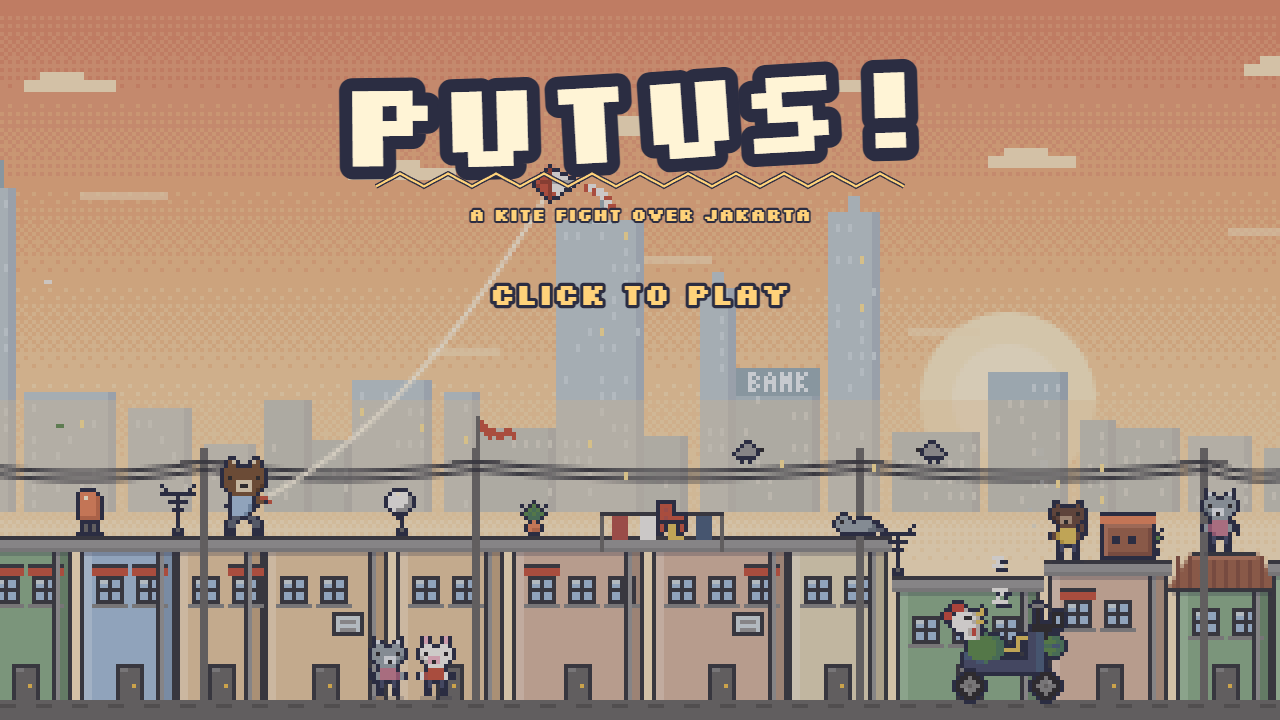
I grew up watching kite fights from the roof. Lines coated in gelasan (glass-dusted string), two kites tangling in the sky, and the moment one line snaps, every kid in the alley sprints to catch the kite coming down. That's PUTUS. "Putus" just means "snapped".
How it plays
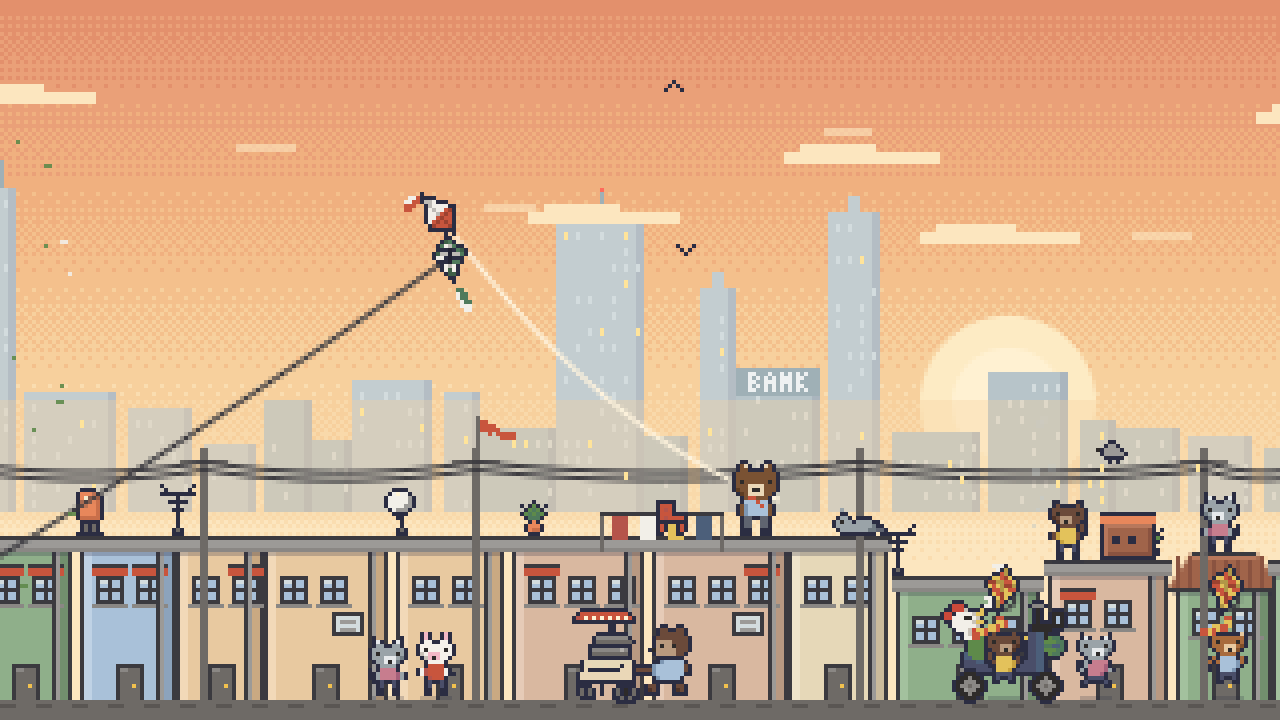
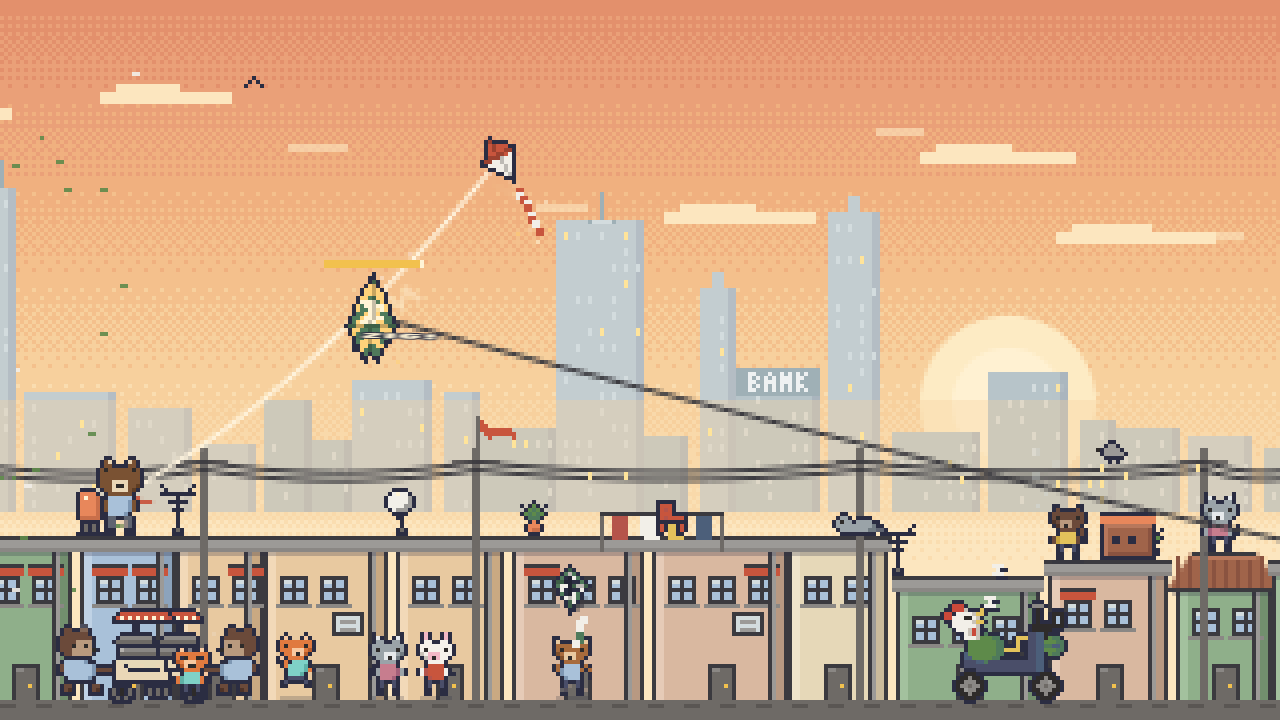
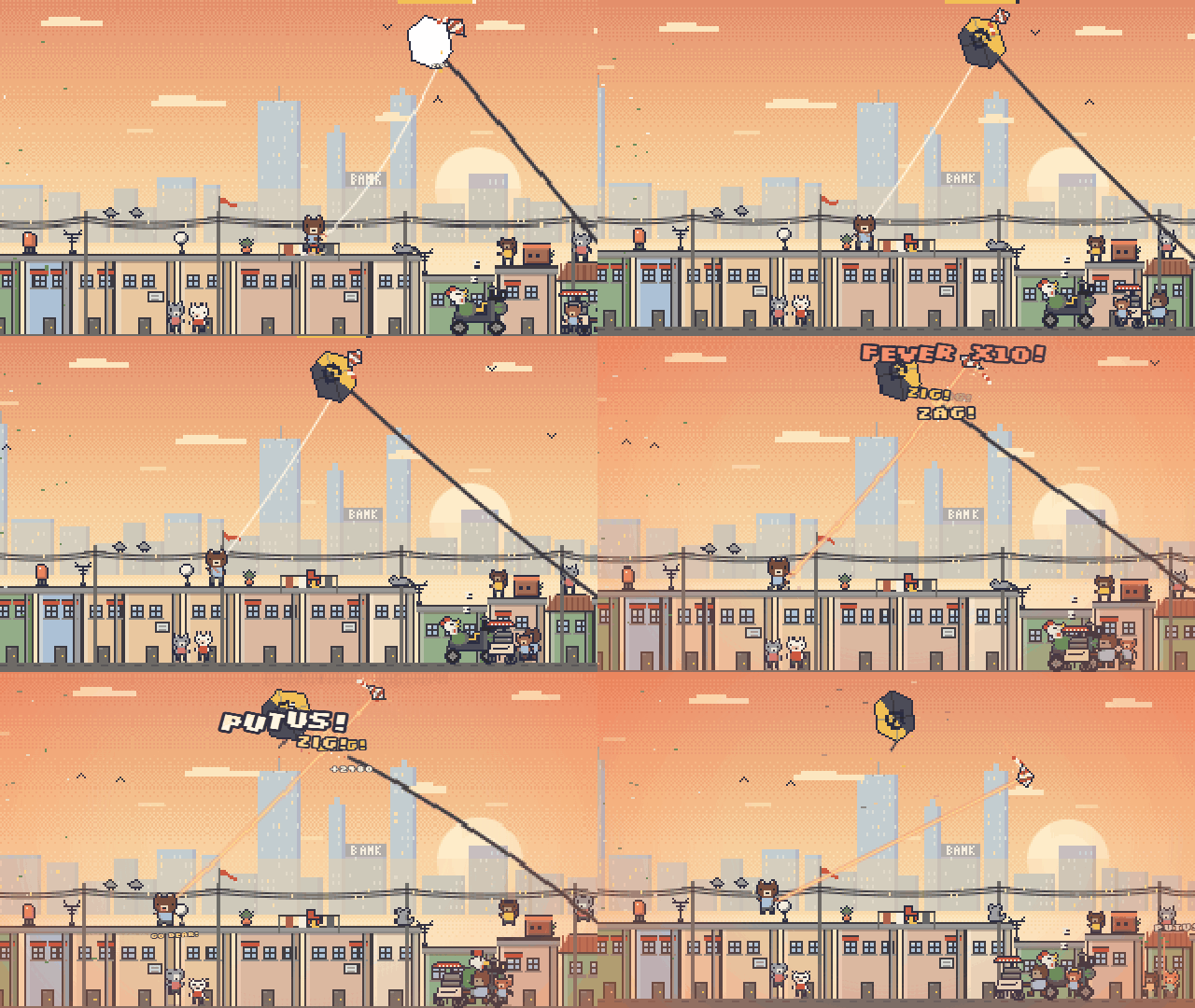
You play Gian, a small bear on a Jakarta rooftop at golden hour. Hold to pull your kite forward, let go and it drifts with the wind. Get your line across a rival's and tap, tap, tap to saw through it. Chain enough zigzags and the rooftop goes into fever.
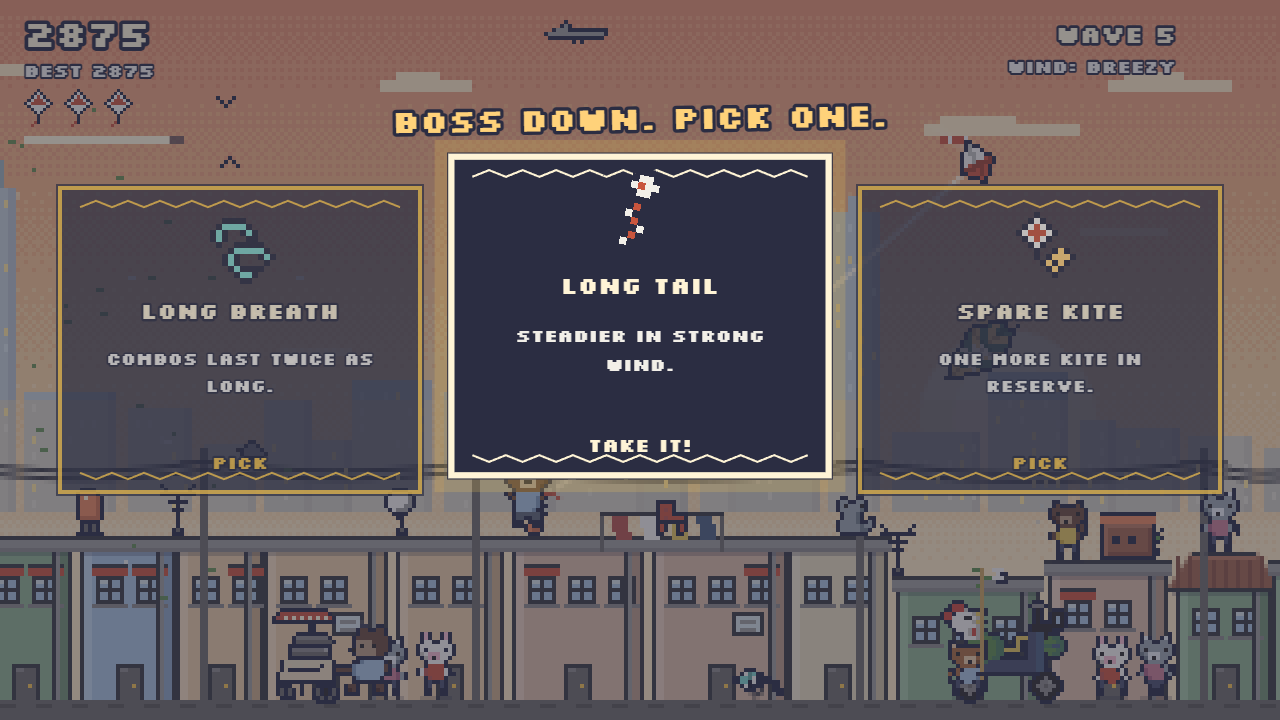
Waves keep coming. Every fifth one is a boss, and the order changes each run: the Giant, the Dragon, The Trio, the Night Bat, the King Kite. Beat one and you pick a card that changes how the rest of the run plays. Lose your last kite and it's over, back to the roof.
The wind builds from calm to storm. Dip too low and the power cables snag you.
Around the neighborhood
There's a daily Neighborhood Cup where everyone gets the same sky and the same rules, three tries each.
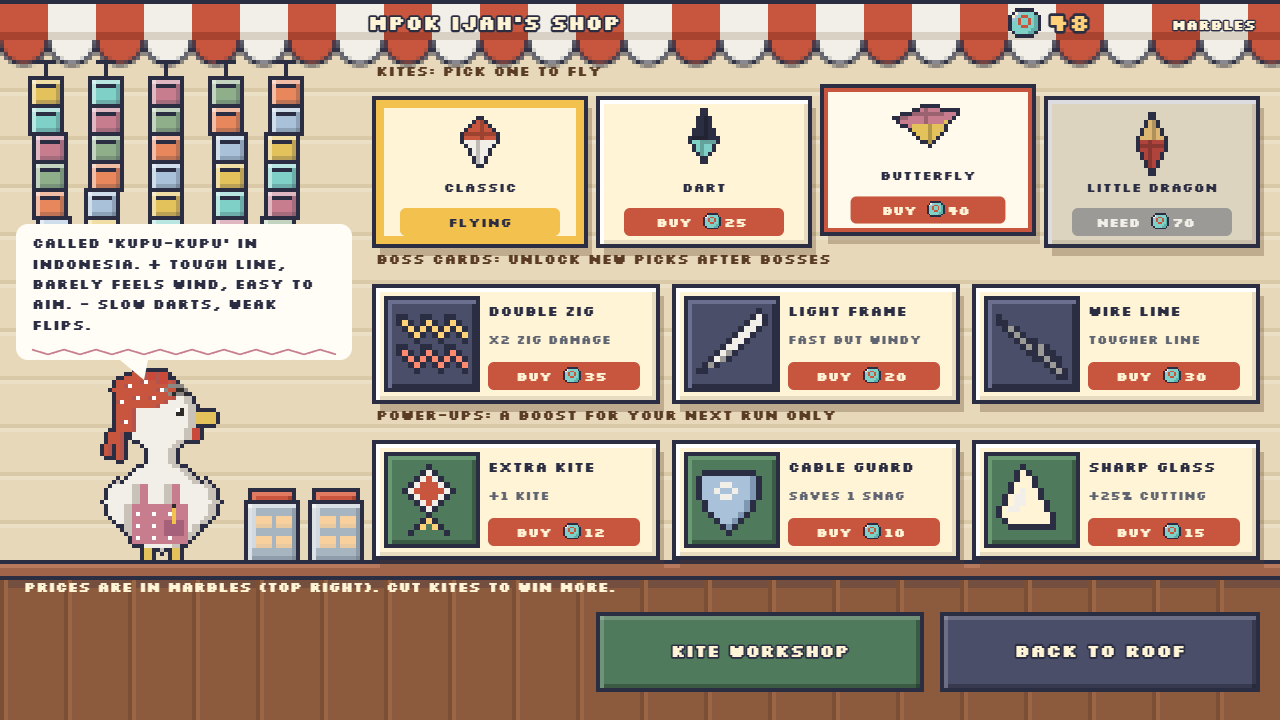
Money here is marbles. The kids in the alley bet them on every fight, and Auntie Hen at the Marble Shop takes them for new kites, cards and one-run power-ups. You can also paint your own kite in the workshop and fly that.
"Those two kids bet marbles on you. The rabbit is losing. A lot." (Auntie Hen, Marble Shop)
Controls
- Hold click, tap or Space to pull. Let go to drift.
- Tap fast while lines cross to saw.
- A / D or the left-thumb stick to walk.
- Menus are click or tap. A run takes about 3 to 6 minutes. On a phone, play in landscape.
Also on Wavedash
The Wavedash version adds a global leaderboard, 17 achievements (a few are secret), cloud save, and other players' painted kites showing up as your rivals. Same game, also free, all of it.
Credits
Made for LittleJS Game Jam 3 (theme: zigzag). Built with LittleJS by Frank Force. Font: Silkscreen by Jason Kottke (SIL OFL).
Designed, prototyped and art-directed by gfenderio. Every sprite is drawn pixel by pixel by scripts in Aseprite, no AI image generation.
How AI was used
I designed the game and built a playable prototype first, then used Claude Code (Anthropic) to port it to LittleJS one system at a time, keeping every number from the prototype in a single tuning file.
- Code: Claude Code wrote most of the JavaScript; I played every step and steered the feel.
- Art: no image generator. Claude wrote Lua scripts that place each pixel in Aseprite (headless, plus an Aseprite MCP server), all from one shared palette and character template.
- Sound and music: synthesized in code with the Web Audio API, no samples.
- Trailer: recorded from real play by a bot inside the game, then cut with scripts.
Development log

Leave a comment
Log in with itch.io to leave a comment.